Instructions:
How to Purchase / How to Redeem Credits / Access your Report History
Scroll to Bottom for all Information
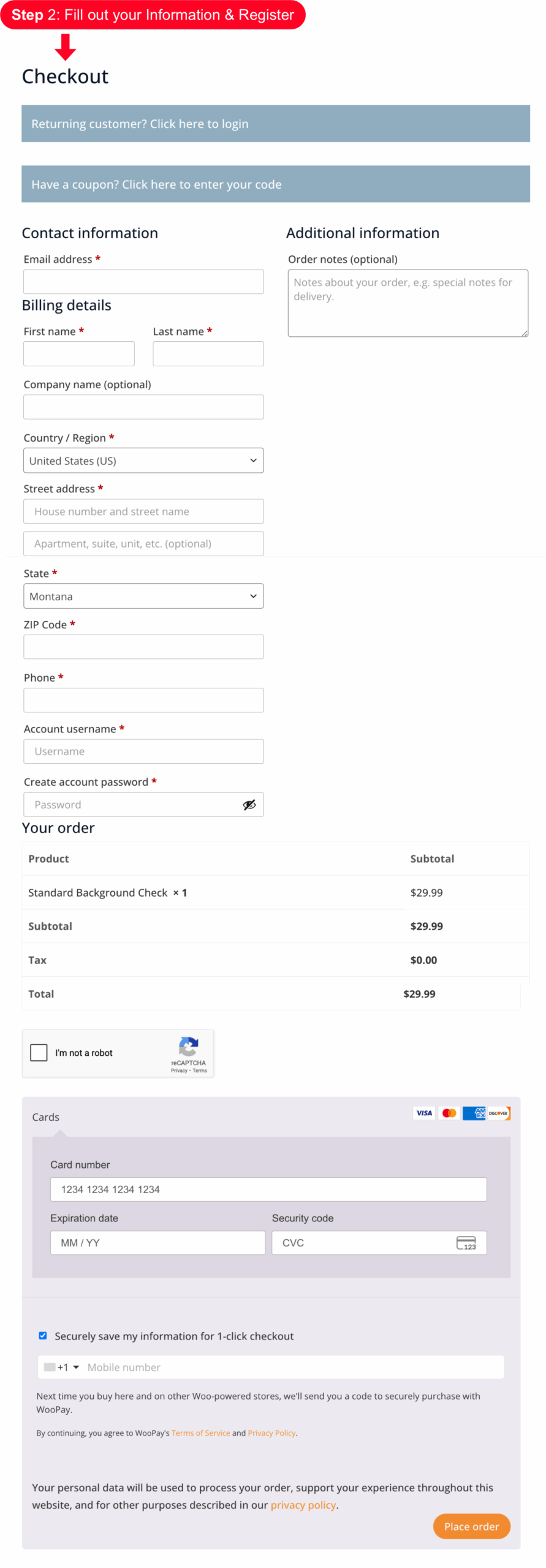
There are various ways to Register & Purchase, you can go to “My Account” and Register First, then purchase a background check or if you just choose your first background check, add to cart, and fill out the information for purchasing, you will automatically sign up for a registered account.


After I buy my Background Check, “How do I Redeem my Background Check”?
Step 1: Login to My Account
Step 2 : Click on the Credits Button
Step 3 : Click the Redeem Button to insert your information into the background check software.
Step 4 : Fill Out required Information
Step 5: Click the Search Button


Where do I find my past Background Checks?
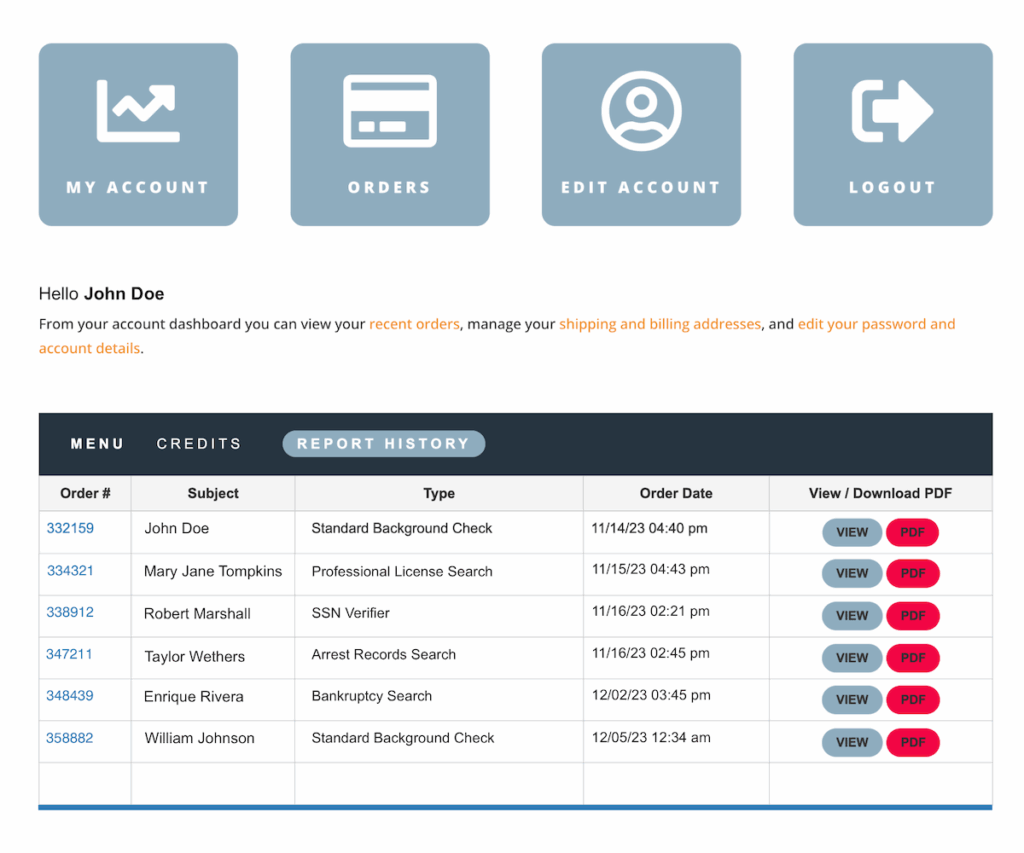
Under the “Report History” Button, all of your background checks are saved for future use.